How-to
How to make anatomy diagrams with AI that you can actually study from
Updated 1 June 2026 · 11 min read
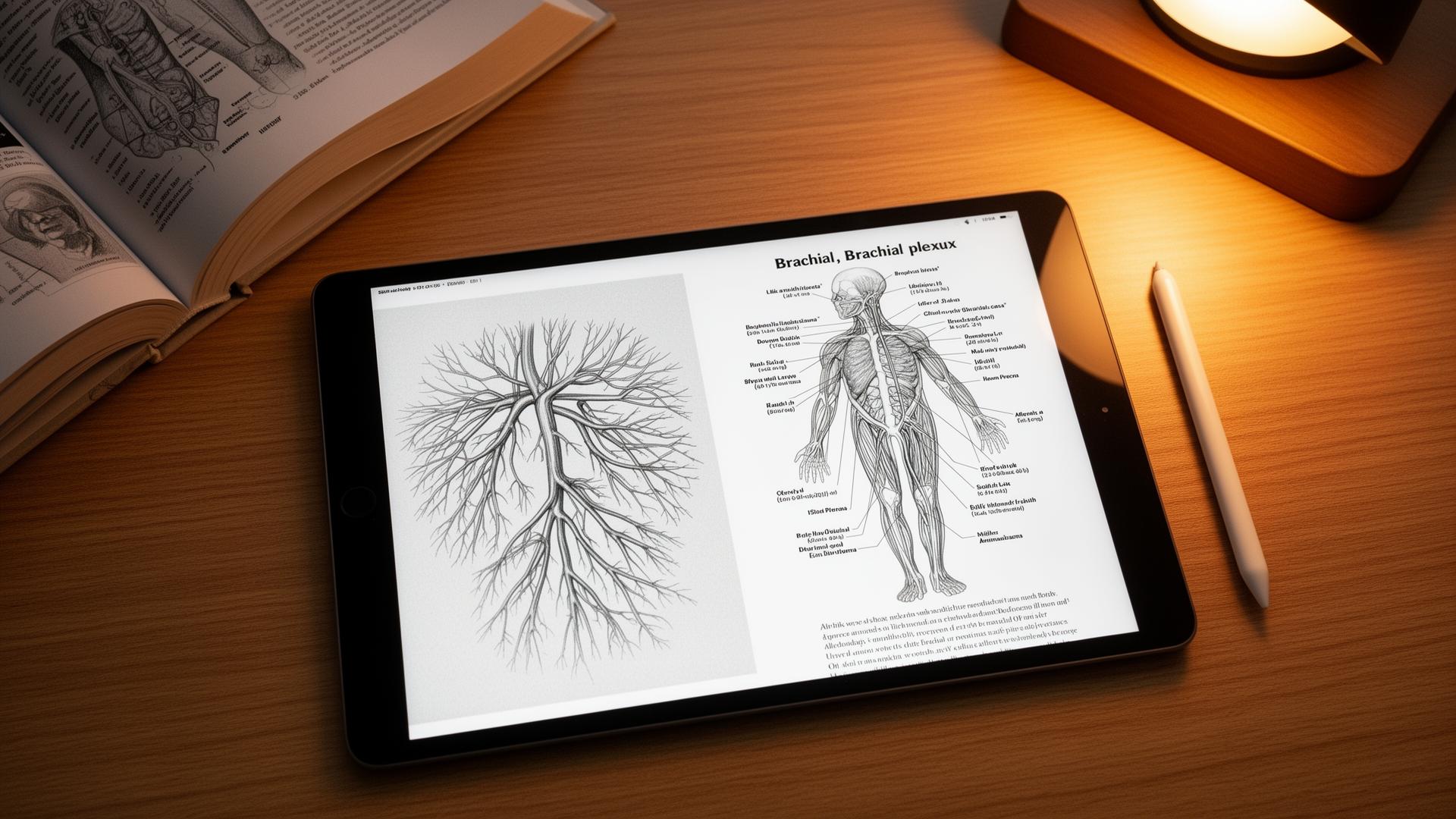
How to make anatomy diagrams with AI: sketch the structure roughly on paper or iPad, import the sketch into a sketch-first illustration tool, add a short anatomical context line, then render and verify against an atlas. The whole loop runs in under 90 seconds. Pure text-to-image tools like ChatGPT and Midjourney remain unsafe for exam-relevant anatomy because they hallucinate structural detail. This guide is the exact workflow, the tools that work, and what to do when the AI gets it wrong.
Why text-to-image fails at anatomy specifically
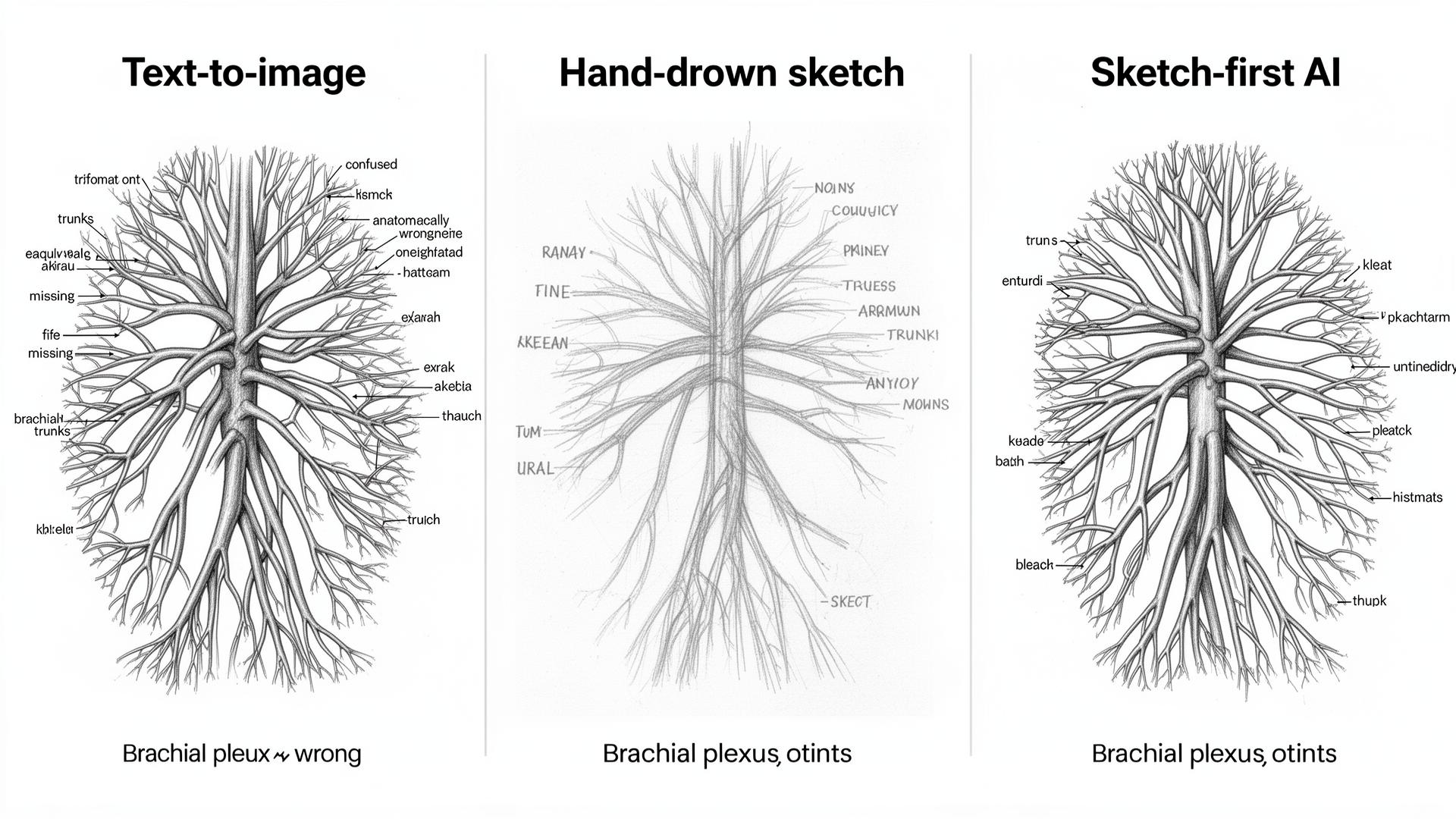
Image models learn by averaging millions of pictures. The brachial plexus has hundreds of slightly different but correct diagrams in textbooks and thousands of incorrect renderings online. The model averages all of them and produces a 'most likely' diagram that is anatomically wrong in subtle ways and looks correct at a glance. The longer explanation is in ai-medical-illustration; the short version is that anatomy is high-precision spatial data, and generative averaging is the wrong tool.
Independent reviews of generic text-to-image models on common anatomy targets keep landing on the same result: when asked for standard diagrams (brachial plexus, cardiac chambers, cranial nerves, vertebral column), DALL·E 3 and Midjourney both produce at least one structural error in the majority of attempts. The errors are not stylistic; they are missing trunks, extra branches, mirrored sides, and labels pointing at the wrong structure. None of this is fixable by better prompting — the models have no internal model of anatomy to constrain against.
The sketch-first workflow, step by step
The principle is simple. The structural input is your hand, verified against a textbook. The AI handles the polish: clean lines, consistent labels, a textbook aesthetic. Because the topology comes from your sketch, the anatomy stays correct as long as your sketch is correct.
- Sketch the structure on paper, iPad, or any digital canvas. Rough is fine; topology matters more than artistry.
- Mark the structures you want labelled with single words or arrows in your own handwriting.
- Import into a sketch-first AI illustration tool (Angiosome is built for medical anatomy; alternatives in the table below).
- Add a one-line context prompt: 'brachial plexus, anterior view, right side, patient perspective'. Context sets anatomical conventions but does not generate content.
- Render. The tool produces a clean labelled image that follows the topology of your sketch.
- Cross-check against your textbook for 60 seconds. Count branches, verify side, confirm label positions.
- Re-sketch if anything is off. The second iteration is faster than the first because you already have the prompt.
| Step | Time | Tool | What you control |
|---|---|---|---|
| Sketch | 20 to 60 seconds | Paper or iPad | Topology, branch count, side |
| Mark labels | 10 seconds | Same canvas | Which structures to highlight |
| Import | 5 seconds | Sketch-first AI tool | Style choice |
| Context prompt | 10 seconds | Same tool | View, side, render style |
| Render | 20 to 40 seconds | Same tool | Wait time |
| Verify | 60 seconds | Atlas (Gray's, Netter's) | Catch any errors |
Tools for anatomy diagrams, honestly compared
There are three categories of tool. Sketch-first AI (where your sketch is the input), text-to-image AI (prompt only), and template-based tools (drag and drop pre-built parts). For exam-relevant anatomy, only the first category is safe to use without heavy verification. The other two have uses, just not for the diagram you will be tested on.
| Tool | Category | Anatomy accuracy | Best for |
|---|---|---|---|
| Angiosome | Sketch-first AI | High (mirrors your sketch) | Anatomy, surgery, pathology |
| BioRender | Template / drag-drop | High but template-bound | Molecular pathways, signalling diagrams |
| ChatGPT (DALL·E 3) | Text-to-image | Low for anatomy | Patient-facing cartoons, metaphors |
| Midjourney v7 | Text-to-image | Low for anatomy | Editorial illustration only |
| Stable Diffusion + ControlNet | Sketch-to-image (technical) | Medium with effort | Customised research figures if you can code |
| Procreate + AI brushes | Manual with assistance | High (you control every stroke) | Polished hand-drawn aesthetic |
| Complete Anatomy | 3D atlas | Reference-grade | Looking up reference, not creating own diagrams |
Five anatomy diagrams worth the effort
Not every anatomical structure is worth a custom diagram. The win is in structures that are high-yield for exams, easy to sketch in under a minute, and notoriously easy to get wrong in viva or single-best-answer questions.
| Diagram | Why it earns the time | Sketch time |
|---|---|---|
| Brachial plexus | High yield, easy to confuse, classic viva question | 60 seconds |
| Cardiac conduction system | Drawable in 30 seconds, bundle branches are the trick | 30 seconds |
| Cranial nerves at skull base | Visual, fiddly, perfect for image-occlusion cards | 90 seconds |
| Portal venous system | Teaches portal hypertension by structure alone | 45 seconds |
| The nephron | Easier from a clean diagram than any prose | 60 seconds |
| Circle of Willis | Six communicating vessels everyone gets wrong | 45 seconds |
| Coronary artery tree | Drives ECG territory understanding | 45 seconds |
When the AI gets it wrong, and how to fix it
Even with a sketch-first workflow, the rendering can drift. The fix is usually a more explicit sketch rather than a longer prompt. Most failure modes resolve in one or two iterations once you know what to look for.
- Wrong branch count: sketch the missing branch in explicitly. The model cannot add what was not there.
- Mirrored sides: add 'right side, patient perspective' to the prompt and mark R on the sketch.
- Labels in the wrong place: label your sketch first; the model will usually follow your placement.
- Stylised in a way that hides anatomy: switch render style to 'textbook' or 'monochrome line'.
- Hallucinated extra structures: simplify the sketch, remove ambiguous regions, redo.
- Wrong view (lateral instead of anterior): state the view explicitly in the prompt every time.
Image-occlusion cards: the highest-leverage use
Once you have a labelled diagram, drop it into Anki's Image Occlusion add-on and hide each label one at a time. A single diagram becomes six to twelve spaced-repetition cards. The AI did the rendering; spaced repetition does the memorising. For the full pipeline including the prompt to convert anatomy notes into card-ready text, see anki-ai-workflow-for-med-school.
- Export the rendered diagram as PNG.
- Open Anki Image Occlusion (add-on 1374772155 or Image Occlusion Enhanced).
- Drag rectangles over each label you want to test. Six to twelve per diagram is the sweet spot.
- Tag the card set with the module and structure (e.g. anatomy::upper-limb::brachial-plexus).
- Review on a phone during dead time: bus, queue, between lectures.
What to skip
- Histology renderings. Too tissue-specific and stain-dependent. Use real histology slides from your school's library or pathology atlases.
- Patient-specific anatomy from real scans. Use the scan directly and annotate; do not regenerate.
- Embryology animations. Static AI illustrations cannot capture the developmental sequence; use a textbook timeline.
- Rare anatomical variants the model has not seen. Verify against a primary anatomical reference such as Gray's Anatomy or Moore's Clinically Oriented Anatomy.
- Radiological cross-sections. The model averages across modalities; use teaching atlases like Radiopaedia instead.
Safety, copyright and academic integrity
Three rules. Do not paste textbook plates as your sketch input; that is copyright infringement and plagiarism scanners will flag it. Do not upload identifiable patient scans or photographs. Disclose AI-assisted figures in formal submissions if your school's policy requires it; the GMC's 2024 generative AI guidance covers the UK position, and the AAMC plus your school's honour code cover the US.
Personal study diagrams in your own Anki deck or notes are normally outside disclosure requirements. Audit posters, dissertations, intercalated project figures and assessed coursework are not. Keep your original rough sketches alongside the rendered images as evidence of authorship.
Sources
- Gray's Anatomy for Students reference — Elsevier
- Netter's Atlas of Human Anatomy — Elsevier
- Radiopaedia: free radiology reference and teaching cases — Radiopaedia
- Generative AI in medical education — GMC guidance — General Medical Council
- ICMJE recommendations on AI-assisted technologies — ICMJE
- Anki Image Occlusion Enhanced add-on — AnkiWeb
- Complete Anatomy 3D atlas — Elsevier 3D4Medical
Frequently asked questions
Can AI draw accurate anatomy in 2026?
Only with a sketch as input. Sketch-first tools like Angiosome inherit the topology of your drawing, so anatomy stays correct if your sketch is correct. Pure text-to-image tools (ChatGPT, Midjourney, DALL·E, Stable Diffusion) still hallucinate structures, branch counts and label positions, and remain unsafe for exam-relevant anatomy diagrams.
What is the best AI tool for anatomy diagrams?
Angiosome is the only mainstream tool purpose-built sketch-first for clinical anatomy and surgical illustration. For molecular pathways and signalling diagrams, BioRender's template library is more reliable. General image models like Midjourney and ChatGPT image generation are useful for patient-facing cartoons but not for diagrams you will be tested on.
Can I use AI-generated anatomy diagrams in exam revision?
Yes, if you sketched the structure yourself and verified the rendering against an atlas such as Gray's Anatomy or Netter's. The rendering is decoration; the anatomy must originate from a trusted source. Personal Anki decks built from verified sketch-first diagrams are widely used in UK and US medical schools.
Are AI anatomy diagrams better than textbook ones?
Different rather than better. Textbook diagrams are authoritative and standardised; AI-rendered diagrams from your own sketch are personal, reusable across notes, flashcards and slides, and force an active encoding step that improves retention. The realistic answer is to use both, with the textbook as the verification reference.
How much do AI anatomy diagram tools cost?
Angiosome has a free tier covering basic sketch-first rendering with paid plans starting at a low monthly price. BioRender starts free for students with limited features, with full academic plans around the cost of a textbook per year. ChatGPT Plus is roughly $20 per month and Midjourney sits between $10 and $30 per month, neither recommended for anatomy.
Can I get caught using AI to make anatomy diagrams?
Personal study notes and Anki decks are not normally subject to academic integrity review. Audit posters, dissertations and assessed coursework are. Most UK schools follow GMC 2024 generative AI guidance and most US schools follow AAMC plus institutional policy. Disclose AI-assisted figures in graded work; keep original sketches as authorship evidence.
Is ChatGPT image generation enough for anatomy diagrams?
No. ChatGPT's image model (DALL·E 3) hallucinates anatomical structures with confidence: wrong branch counts in the brachial plexus, missing communicating arteries in the circle of Willis, mirrored sides. It is fine for patient-facing cartoons and metaphors but unsafe as your only source for diagrams you will study from or use in clinical communication.
Best AI workflow for anatomy revision in the final year?
Use sketch-first AI to produce 30 to 50 high-yield anatomy diagrams across the year, drop each into Anki Image Occlusion to generate 6 to 12 cards per diagram, and review daily on your phone. Pair with NotebookLM for cited lecture summaries (see notebooklm-for-medical-school) and ChatGPT for OSCE-style viva practice.
Try it
Sketch it. Angiosome renders it.
Angiosome turns rough medical sketches into clean, labelled, photoreal diagrams — grounded in your sketch, not invented by a model. Free to try.
Open Angiosome →Keep reading
Pillar
AI Medical Illustration: The Honest Guide (2026)
How-to
How to Make Medical Diagrams with AI (2026)
How-to
How to Illustrate Medical Notes with AI (2026)
Tool deep-dive
Anki + AI Flashcards: Med School Workflow
Pillar
Best AI Tools for Medical School (2026, Ranked)
Comparison
BioRender Alternatives 2026: Honest Comparison
Audience
AI for Medical Educators: Teach More, Mark Less