Tool deep-dive
AI presentations for medical school: the fastest way to build case-presentation, journal-club, and grand-rounds slides without looking generic
Updated 1 June 2026 · 11 min read
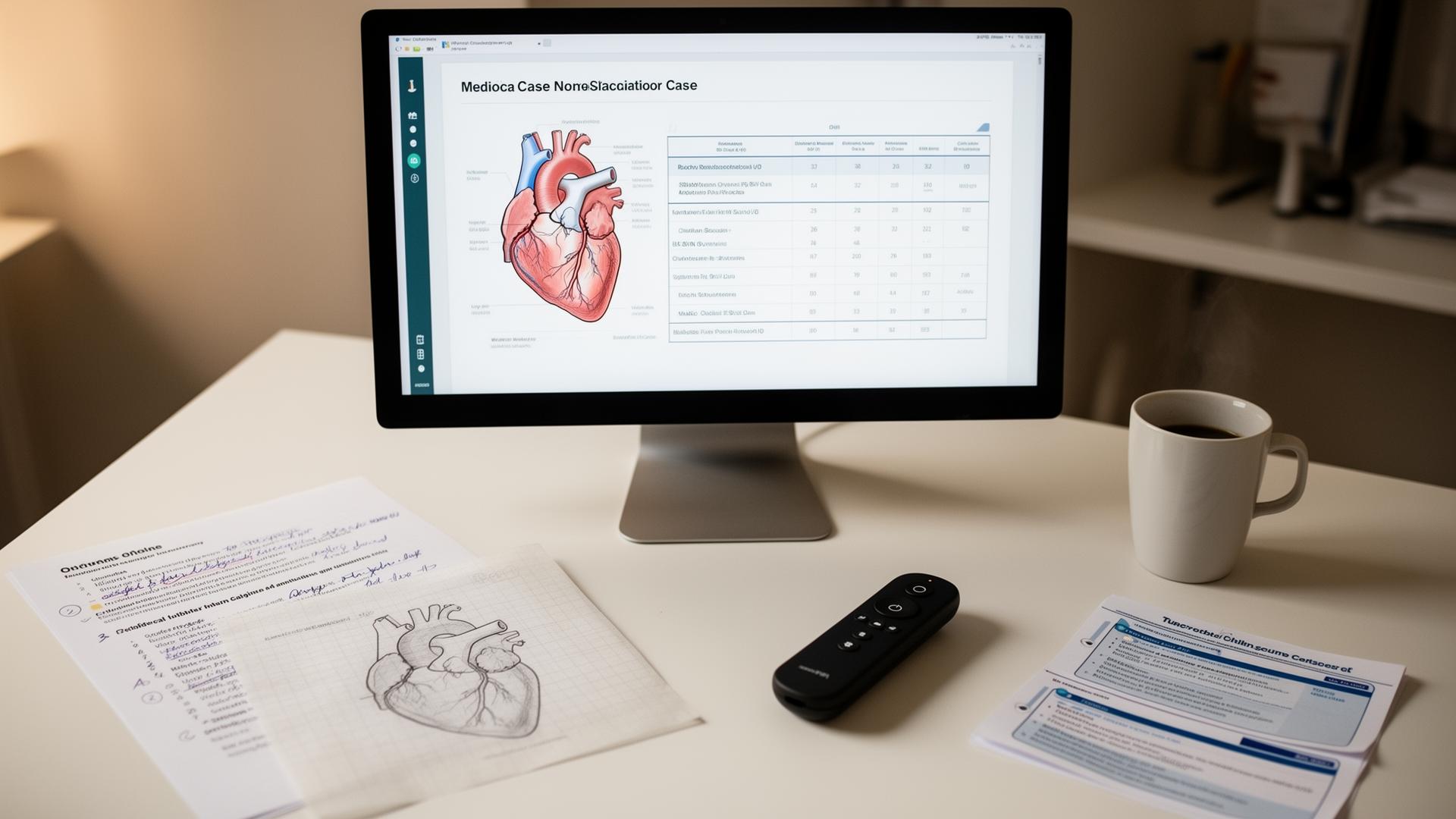
AI presentations for medical school turn a paragraph of notes into a structured slide deck in under five minutes. The problem is not speed; it is quality. Case presentations, journal clubs, grand rounds, and audit feedback sessions are judged by a clinical audience that notices wrong anatomy, invented citations, and generic stock imagery instantly. This guide is the workflow that keeps the speed and fixes the quality: which tool to use for which job, how to replace AI-generated images with trustworthy diagrams, and the 20-minute process that produces a deck you can present with confidence.
What AI presentation tools actually do well
The core value of AI presentation tools is not generating content. It is structuring content you already have. When you paste an outline into Gamma or Canva, the model does three things well: it distributes your points across slides so no single slide is overcrowded; it suggests layouts you would not have thought of, like split-screen comparisons, timeline sequences, and callout boxes; and it applies a coherent visual theme across the entire deck without manual styling. These are the slow, fiddly parts of slide-making that eat hours in PowerPoint.
The tools also generate speaker notes that are surprisingly usable. When you paste a case outline, the model infers what you would say on each slide and writes it in the notes panel. These are not script-quality, but they are a useful starting point. You edit them in five minutes rather than writing from scratch.
What they fail at, and how to fix it
Every AI presentation tool has the same four weaknesses when applied to medical content. Knowing them in advance lets you fix them in minutes rather than discovering them during the presentation.
- Medical imagery is always wrong. The stock images are generic cartoons of doctors with stethoscopes. The AI-generated illustrations are anatomically inaccurate: wrong nerve branches, mirrored organs, invented anatomical relationships. The fix is to replace every medical image with a diagram from a sketch-first tool, a real radiology image (with permission), or a hand-drawn slide.
- Specialty accuracy is weak. The model will simplify clinical details in ways a clinical audience notices. It might describe a management pathway as 'standard care' when your hospital follows a specific local protocol. The fix is to edit every clinical claim manually and add the local context yourself.
- Citations are fictional. Auto-generated references are invented with plausible-sounding titles and fake DOIs. The fix is to delete all auto-generated citations and insert real ones from Consensus, PubMed, or your reference manager.
- Tone defaults to corporate American. The language is too polished, too generic, and culturally mismatched for UK, Australian, or European teaching hospitals. The fix is to run the deck through once and rewrite the phrasing in your own voice.
| Failure mode | What it looks like | How to fix it | Time to fix |
|---|---|---|---|
| Wrong medical imagery | Cartoon doctors, broken anatomy diagrams | Replace with sketch-first diagrams or real images | 5–10 minutes per deck |
| Simplified clinical claims | 'Standard care' instead of your local protocol | Edit every clinical claim manually | 5 minutes |
| Fake citations | Plausible paper titles with invented DOIs | Delete all; insert real references manually | 10 minutes |
| Corporate tone | Over-polished, American phrasing | Rewrite speaker notes in your own voice | 5 minutes |
Tool comparison: Gamma, Canva AI, Beautiful.ai, and Tome
These four tools dominate the AI presentation market in 2026, and each has a different strength. The right choice depends on what you value: speed, polish, professionalism, or storytelling.
| Tool | Free tier (2026) | Best for | Medical strength | Medical weakness | Verdict |
|---|---|---|---|---|---|
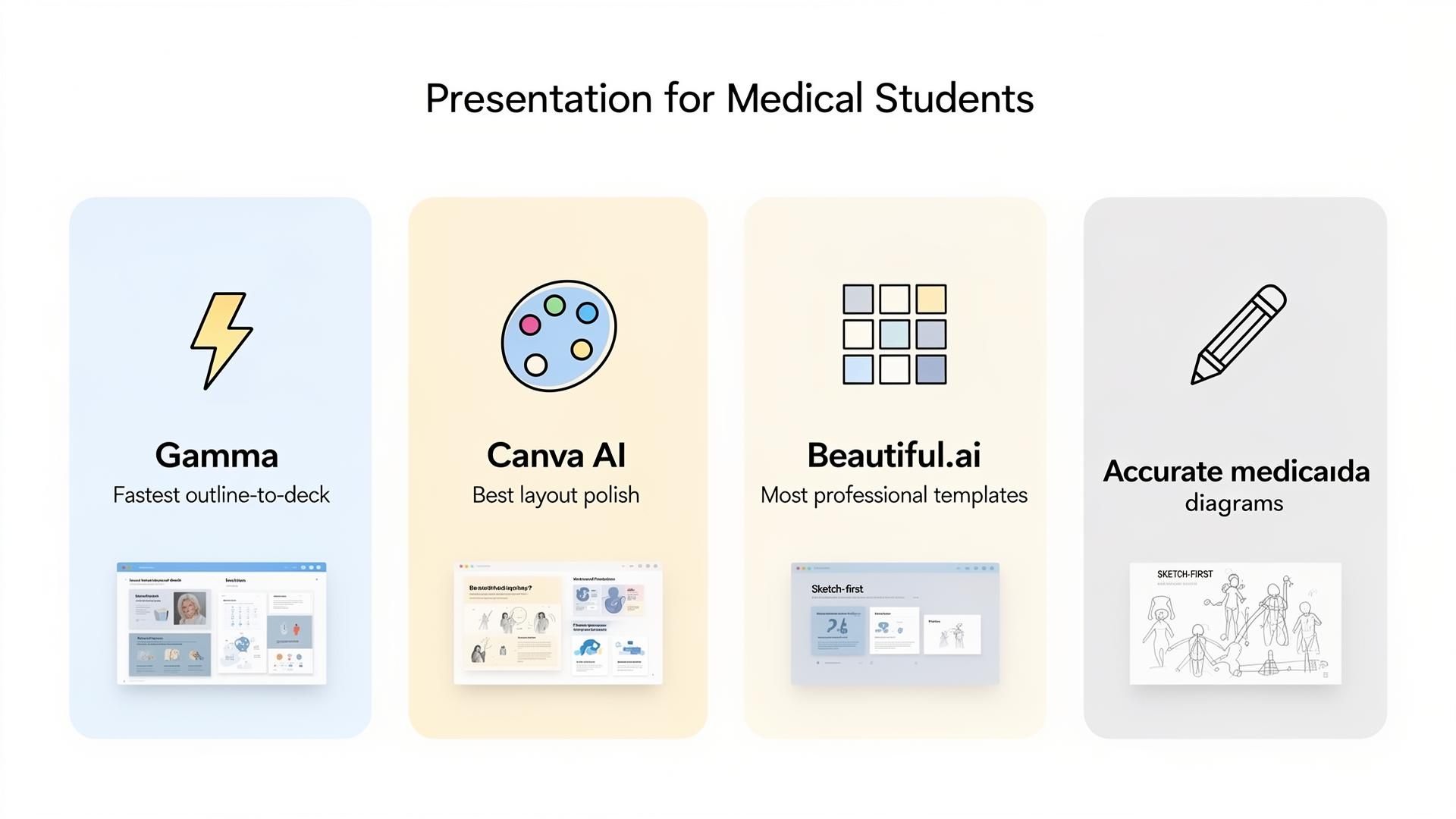
| Gamma | 400 credits (generous) | Fastest outline-to-deck | Structure and pacing are excellent | Heavy AI visual style; images need total replacement | Best for speed |
| Canva AI | Generous | Best layout polish and customisation | Most flexible for medical content editing | Slowest to generate; needs more manual refinement | Best for polish |
| Beautiful.ai | Limited (10 slides) | Most professional default templates | Templates look clinical by default | Least flexibility per slide; rigid layouts | Best for formal rounds |
| Tome | Limited (50 credits) | Storytelling and narrative flow | Good for case stories and patient journeys | Less suited to data-heavy clinical content | Best for narrative cases |
Most students end up using two tools: Gamma for the first draft because it is fastest, and Canva for the final polish because it offers the best control over individual elements. The combination gives you speed without sacrificing quality.
A 20-minute case-presentation workflow
This workflow is designed for a standard case presentation in a teaching hospital or medical school setting: ten to twelve slides, five to seven minutes of speaking time, clinical content that must be accurate. It assumes you already know the case; the AI handles the structure, not the medicine.
- Write the outline in your own words (2 minutes). One line per slide: presenting complaint, history, examination findings, key investigations with results, diagnosis, management plan, learning points. Do not let the AI write this. The clinical accuracy is yours to own.
- Paste into Gamma with a structured prompt (1 minute): 'Build a 10-slide case presentation deck from this outline. Include a learning-points slide at the end. Use a clean, clinical style. UK medical terminology.'
- Generate and review structure (2 minutes). Check that the slide order makes sense. Delete any slides the model invented that are not in your outline. The model may add an 'about us' or 'thank you' slide; bin it.
- Replace every medical image (5–10 minutes). This is the critical step. Delete all stock images and AI-generated medical illustrations. Replace them with: a sketch-first diagram for anatomy or pathways, a real radiology image with permission and appropriate anonymisation, or a clean table or flowchart you build yourself.
- Edit clinical claims (3 minutes). Read every bullet on every slide. Correct any simplifications, add local protocol details, and ensure drug names and doses match your hospital's formulary.
- Add real citations (3 minutes). Delete any auto-generated references. Insert real citations using your reference manager or by searching PubMed directly. Every clinical claim should be traceable.
- Write speaker notes (2 minutes). Use the AI-generated notes as a starting point, then rewrite in your own voice. Add the one-liner you will actually say, not the paragraph the model wrote.
- Rehearse aloud once (3 minutes). Run through the deck speaking every slide aloud. Cut anything you cannot say in under 30 seconds. Mark slides that feel awkward and fix them.
| Step | Time | Output | Critical? |
|---|---|---|---|
| Write outline | 2 min | 10-line case summary | Yes: you own the medicine |
| Generate deck | 1 min | First-draft slides | No: just a starting point |
| Review structure | 2 min | Clean slide order | Yes: remove invented slides |
| Replace images | 5–10 min | Trustworthy diagrams | Yes: this is where quality lives |
| Edit claims | 3 min | Accurate clinical content | Yes: verify every bullet |
| Add citations | 3 min | Real references | Yes: delete all AI-generated refs |
| Speaker notes | 2 min | Your own speaking script | Yes: rewrite in your voice |
| Rehearse aloud | 3 min | Confidence and timing | Yes: cut what you cannot say |
Visuals: where most medical AI decks go wrong
The single most identifiable feature of a poorly made AI medical presentation is the imagery. Stock photos of smiling doctors shaking hands, anatomically broken AI-generated hearts, and generic 'data visualisation' icons that do not depict anything clinical. A consultant or examiner spots these in seconds, and the credibility of the entire deck drops.
The fastest fix is to sketch the diagram you actually need and render it with a sketch-first tool like Angiosome. The workflow is: sketch the relevant anatomy or pathway on paper or an iPad, import to the sketch-first tool, generate a clean labelled version, and drop it into the slide. The diagram now matches your case exactly, not a generic template. The deck stops looking AI-generated and starts looking like you made it.
For radiology images, use real de-identified scans from your hospital's PACS system with appropriate permission, or verified open-access images from Radiopaedia. For pathology, use verified images from Pathology Outlines or similar peer-reviewed resources. Never use a Google image search result without verifying the source and licence.
Pricing: what each tool costs in 2026
All four tools have free tiers that are sufficient for most medical student use. The paid tiers unlock higher export quality, more templates, and collaboration features. For individual students, the free tiers are genuinely usable.
| Tool | Free tier | Paid tier | Student discount | Best paid feature |
|---|---|---|---|---|
| Gamma | 400 credits/month | $8/month | Yes (edu email) | Custom themes and higher resolution export |
| Canva AI | Generous (most features) | $13/month Pro | Yes (free Pro for edu in some regions) | Background removal and premium templates |
| Beautiful.ai | 10 slides, 1 deck | $12/month | Limited | Unlimited slides and team collaboration |
| Tome | 50 credits | $8/month | No formal program | Higher AI generation limits and custom branding |
The honest advice: start on free tiers for everything. Only upgrade when you have delivered ten presentations and know which tool you actually use. Most students find that Gamma's free tier handles 90% of their needs, and the occasional Canva Pro feature is not worth a monthly subscription.
Etiquette: should you disclose AI use?
The disclosure rules for AI-generated presentations are less strict than for written work, but they exist and they are tightening. For routine teaching presentations in medical school, journal clubs, and local grand rounds, disclosure is not typically required. The audience assumes you used tools to make slides, just as they assume you used PowerPoint rather than hand-drawn transparencies.
For formal academic presentations at national meetings, published abstracts with figures, and any presentation that will be recorded and distributed, disclose any AI-generated images, text, or speaker notes. The safest approach is a single line in the acknowledgements: 'Slide structure and layout generated with [tool]; clinical content, images, and speaker notes are the author's own.' This costs you nothing and pre-empts any questions.
For patient-facing presentations and public health communications, be more conservative. Any image that could be mistaken for a real clinical photograph should be clearly labelled if it is AI-generated. The General Medical Council's 2024 guidance on good medical practice emphasises transparency in all professional communications.
What to read next
If you want accurate medical diagrams to replace stock images in your slides, the ai-medical-illustration pillar explains why sketch-first tools matter and how-to-make-medical-diagrams-with-ai has the step-by-step workflow. If you want the ranked tool list with prices and trade-offs across your entire study stack, the best-AI-tools-for-medical-school guide covers the full toolkit. For the seven ChatGPT prompts that work for explanations and case discussions, the chatgpt-for-medical-students guide has the full prompt library.
Sources
- Gamma — official product page and pricing — Gamma
- Canva — official product page — Canva
- Beautiful.ai — official product page — Beautiful.ai
- GMC — Good medical practice (2024 update) — General Medical Council
- Radiopaedia — free radiology and anatomy reference — Radiopaedia.org
- Pathology Outlines — peer-reviewed pathology resource — PathologyOutlines.com
- PubMed — National Library of Medicine search — NLM / NIH
- Consensus — AI-powered evidence search — Consensus
Frequently asked questions
What is the best AI presentation maker for medical students?
Gamma for speed of outline-to-deck, Canva AI for layout polish and customisation, and Beautiful.ai for the most professional default templates. Most students use Gamma for first drafts and Canva for final polish. The choice depends on whether you value speed, control, or out-of-the-box professionalism.
Can AI make a whole case presentation for me?
It can produce a structured deck from your outline in under five minutes. It cannot do the clinical content, the accurate imagery, or the learning point. Those are yours. Think of the AI as a layout assistant, not a medical author.
Is Gamma free for medical students?
Yes. The free tier offers 400 credits per month, which is enough for roughly 8–10 presentations. Most students get through a term or rotation without hitting the limit. Educational discounts exist for the paid tier if you need higher resolution exports or custom themes.
Should I use AI-generated medical images in my slides?
No. Generic AI image generation produces anatomically wrong illustrations that a clinical audience will spot instantly. Replace them with diagrams from a sketch-first medical tool, real de-identified radiology images with permission, or hand-drawn slides. See the ai-medical-illustration guide for the full explanation.
How long does it take to make a case presentation with AI?
The AI generates a first draft in 1–2 minutes. The quality control, image replacement, clinical editing, citation verification, and rehearsal take another 15–20 minutes. Total time for a presentation you can confidently deliver: 20–25 minutes. The AI is the fast part; the human verification is the important part.
Can I use AI presentations for grand rounds and formal teaching?
Yes, provided you follow the quality control workflow. Replace all stock images, verify every clinical claim against a primary source, add real citations, and rehearse aloud. The AI handles structure; you handle accuracy. For formal academic presentations at national meetings, disclose any AI-generated elements in the acknowledgements.
Will my supervisor know I used AI for my slides?
If you used it well, no. A well-made AI-assisted deck is indistinguishable from a well-made manual deck. The giveaways are generic stock images, invented citations, and over-polished corporate language. Fix those three things and no one can tell.
Which tool is best for journal club presentations?
Gamma or Canva AI. Journal clubs need clear structure (background, methods, results, discussion, critical appraisal) and Canva's table and chart features handle data presentation well. For the critical appraisal section, import the paper to NotebookLM first to extract the key facts with citations, then paste those into your presentation tool.
Try it
Sketch it. Angiosome renders it.
Angiosome turns rough medical sketches into clean, labelled, photoreal diagrams — grounded in your sketch, not invented by a model. Free to try.
Open Angiosome →Keep reading
Pillar
AI for Medical Students: 2026 Playbook
Pillar
Best AI Tools for Medical School (2026, Ranked)
Pillar
AI Medical Illustration: The Honest Guide (2026)
How-to
How to Make Medical Diagrams with AI (2026)
Comparison
BioRender Alternatives 2026: Honest Comparison
Tool deep-dive
ChatGPT for Medical Students: 2026 Playbook
Audience
AI for Medical Educators: Teach More, Mark Less